
Features
Delete My Tweets is a Windows app that deletes tweets, replies and reposts through your own browser session. Use date range, year, keyword and deletion type filters. Runs locally on your Windows computer.
Inside the app
Delete My Tweets on Windows.
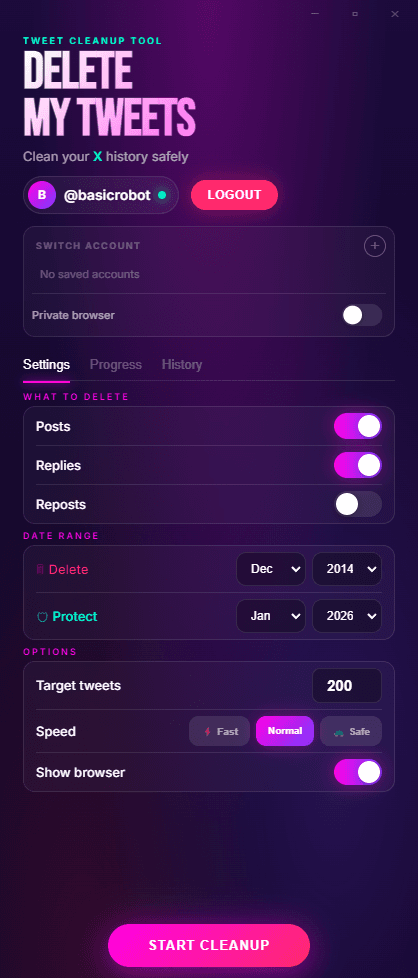
Settings & Filters
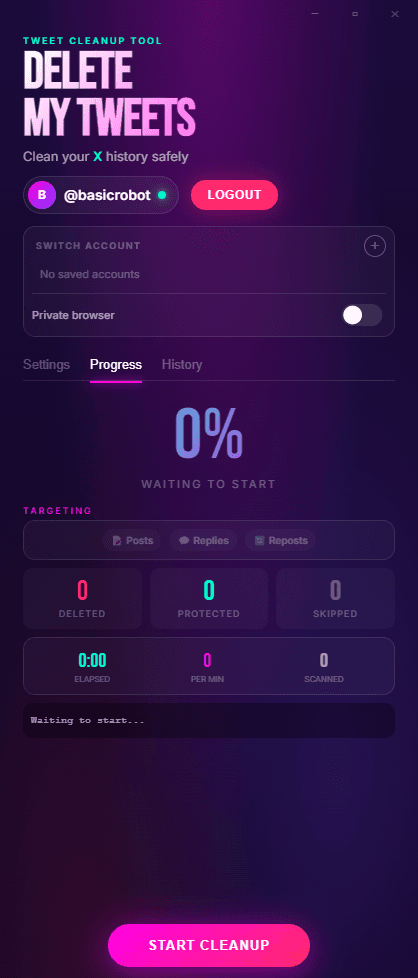
Real-time Progress
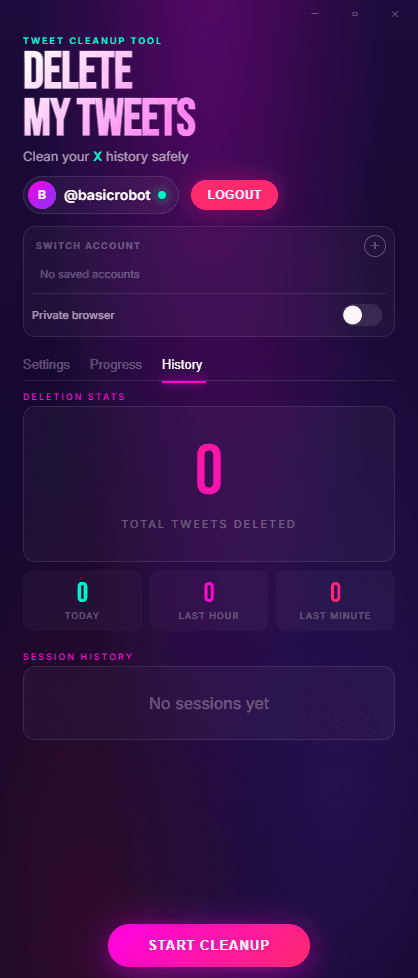
Deletion History
Runs Automatically
Choose tweets, replies and reposts, set your filters, and start the deletion run.
- Open the app
- Sign in in your browser
- Choose filters and start
- You stay in control of the session the whole time.
Runs Locally
Delete My Tweets runs locally on your Windows computer through your own browser session. No cloud service performs the deletions.
- Runs locally on your Windows computer
- Uses your own browser session
- No cloud service performs the deletions.
- Windows app
Filtering
Use date range, year, keyword and deletion type filters.
- Date range filters
- Year filters
- Keyword filters
- Deletion type filters
Tweets, Replies and Reposts
Delete tweets, replies and reposts.
- Tweets
- Replies
- Reposts
- Likes are not supported.
One-Time Purchase
One-time purchase. No subscription.
- $15 one-time
- 30-day money-back guarantee
- Checkout is handled by Stripe.
- Delete My Tweets does not store OAuth tokens for deletion.
Likes are not supported.
No cloud service performs the deletions.
Delete My Tweets does not store OAuth tokens for deletion.
No API keys required for deletion.
Delete Tweets, Replies and Reposts Through Your Own Browser Session.
Delete My Tweets is a Windows app that runs locally on your Windows computer. No cloud service performs the deletions.
Buy once in Stripe, then download the paid Windows app right after checkout and get your license key by email.
30-day money-back guarantee