

If a tweet deletion tool asks for your password, stop.
Handing over your login details is unnecessary, unsafe, and one of the most common ways accounts get compromised.
The good news: you do not need to share your password to delete tweets properly — if the tool is built the right way.
Why password-based tweet deleters are dangerous
Many online tools still ask for:
- Your X (Twitter) username and password
- Full account access via third-party servers
This creates serious risks:
- Your credentials are stored or transmitted
- You don't know who controls the server
- You can't see what actions are being taken
- Accounts can be flagged, locked, or hijacked
If a service can log in *as you*, it can do anything as you.
That is not acceptable. This is one of the key risks of online tweet deletion tools.
You never need to share your password to delete tweets
There is only one safe rule:
If you can't see the deletion happening in your own browser, don't trust it.
The safer tweet deletion tools do not ask you to hand them your password because they do not need it.
How Delete My Tweets works (no password sharing)
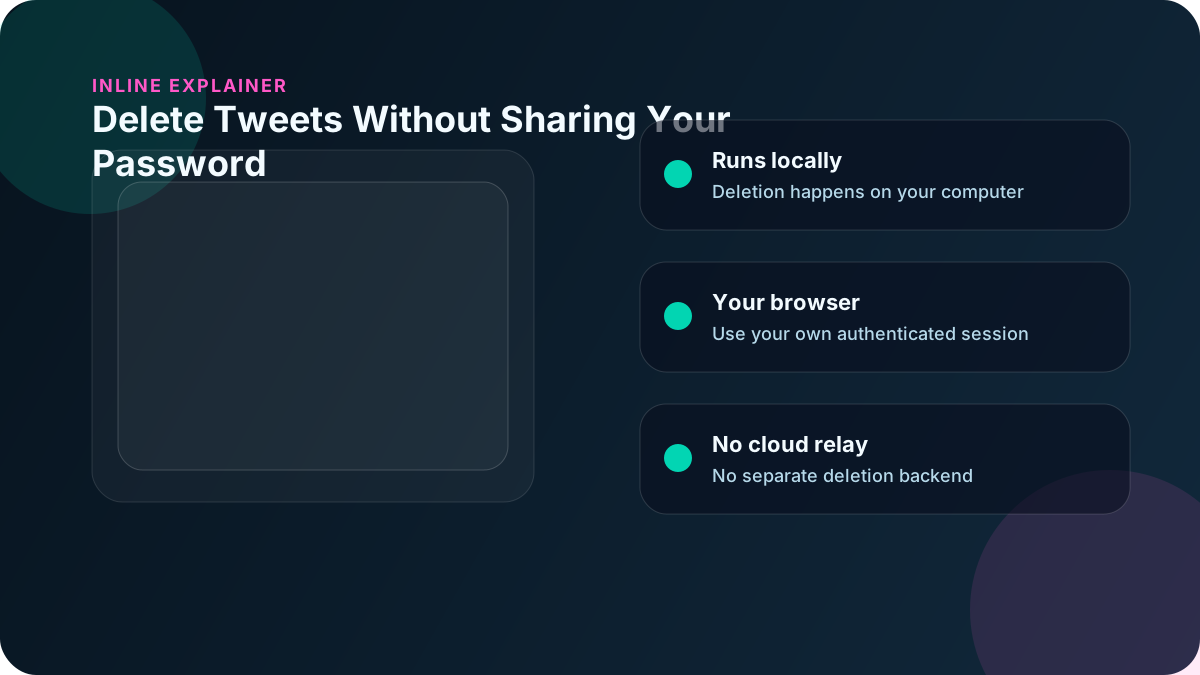
Delete My Tweets keeps the deletion workflow on your own computer, using your existing browser session.
What this means:
- You log into X normally in your browser
- Your password stays between you and X
- Delete My Tweets simply controls the browser you're already logged into
- Tweets are deleted directly on the page
- The deletion job is not sent to a cloud deletion service or stored there.
At no point does the app:
- Ask for your password
- Capture your credentials
- Transmit login data
- Access your account remotely
For the technical details, see how automated manual deletion works.
Why local browser control is safer
Because everything runs on your machine:
- Your password stays between you and X on your device
- Your session is managed by the browser, not the app
- You can see every deletion happening live
- You can pause, stop, or close the app instantly
This is fundamentally safer than cloud-based automation.
Red flags to watch out for
Avoid any tweet deleter that:
- Asks for your password
- Logs into your account on a website
- Runs "in the cloud"
- Requires API access you don't control
- Can't clearly explain how it works
If a tool won't explain how it deletes tweets, assume it's risky.
Why people choose Delete My Tweets
Delete My Tweets was built specifically to avoid these risks.
Key safety advantages:
| Security Feature | Delete My Tweets | Password-Based Tools |
|---|---|---|
| Password handed to the tool | ❌ No | ✅ Required |
| Runs locally | ✅ Yes | ❌ No |
| You see deletions | ✅ Live | ❌ Hidden |
| Tweet data uploaded to a cloud deletion service | ❌ No | ✅ Usually |
| Can be hijacked | ❌ No | ⚠️ Risk exists |
You stay in full control of your account at all times.
Common questions
Do I need to give Delete My Tweets my password?
No. You log into X in your browser normally. Delete My Tweets does not ask for your password; you sign in directly on X in the browser window.
How does it delete tweets without my password?
It controls your browser while you're already logged in. Same as if you were clicking delete yourself, just automated.
Can Delete My Tweets access my account when I'm not using it?
No. It only works while the app is open and you're logged in. Close the app, and Delete My Tweets stops driving that browser session.
Is this method safe for [job seekers](/blog/delete-old-tweets-before-job-interview)?
Yes. This is a safer method because you do not hand credentials to a third-party deletion service.
Who should use this method
This approach is ideal if you:
- Care deeply about account security
- Don't trust cloud-based deletion services
- Need to delete tweets from specific years
- Are preparing for a background check
- Want full visibility into what's being deleted
Bottom line
You should not have to hand your password to a tweet deletion service.
A safer method is:
- Log in normally
- Delete locally
- Stay in control
That's exactly how Delete My Tweets works — and why people trust it.
Ready to delete safely? — no password sharing, runs on your computer.